Presenting Practice
Here is a video showcasing my personality while I teach.
While explaining Prompt Engineering for Beginners, I used Canva for my presentation and Google’s QuickRec Pop Up to record my voice and facial expressions.
My webcam was lagging with the software so I apologize in advance for the quality of the webcam.

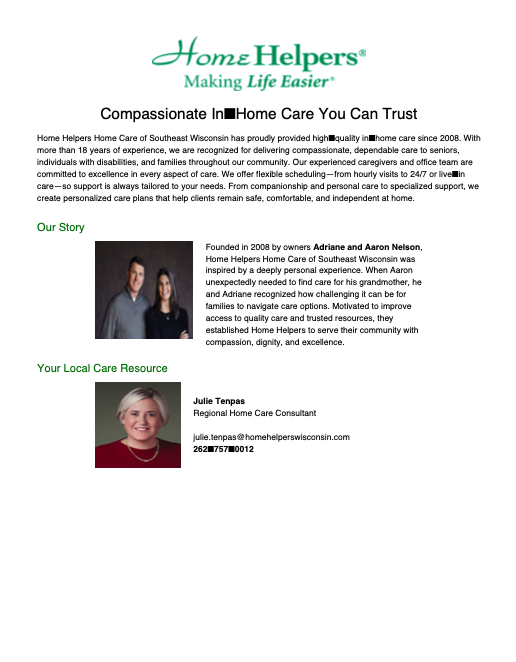
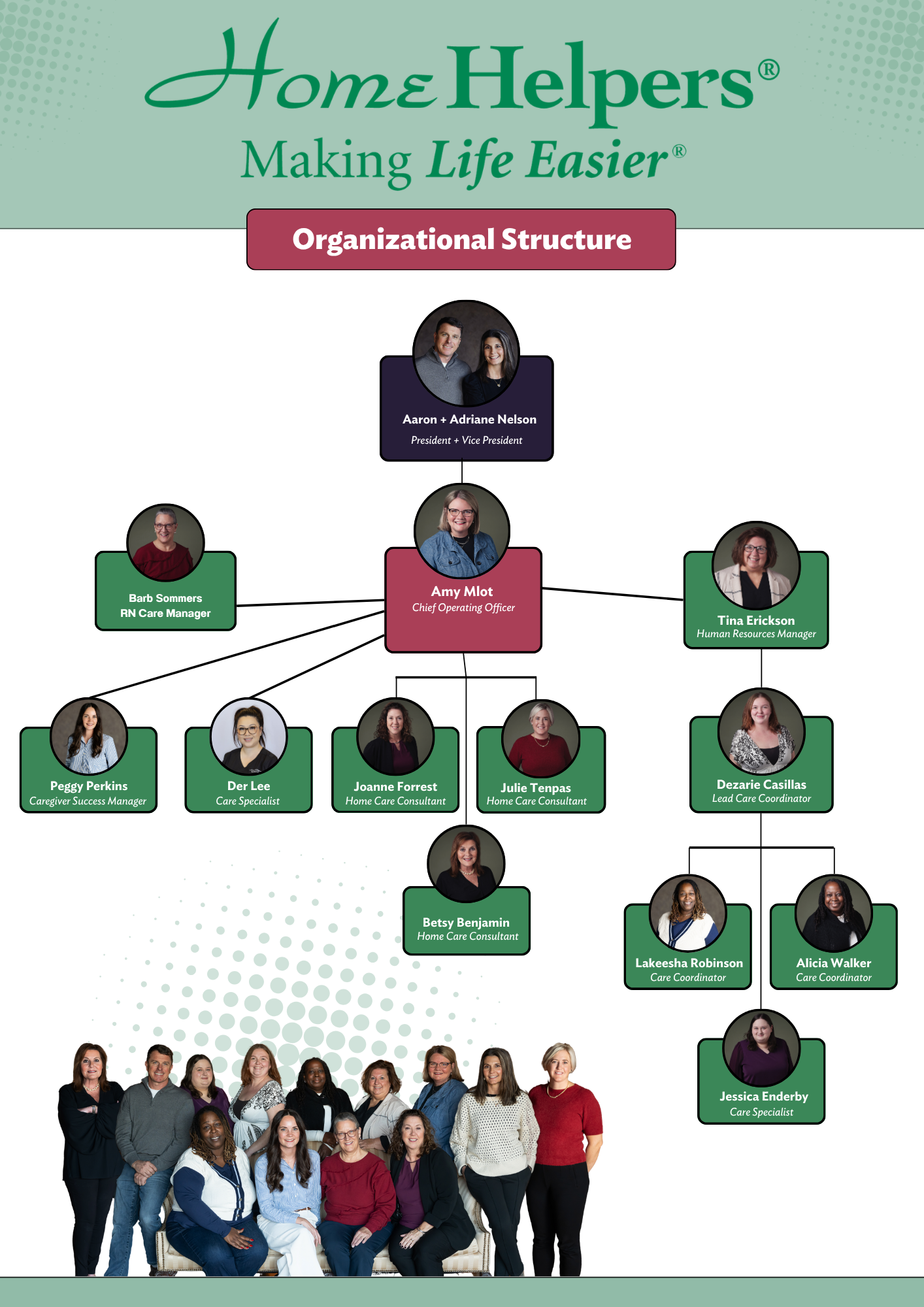
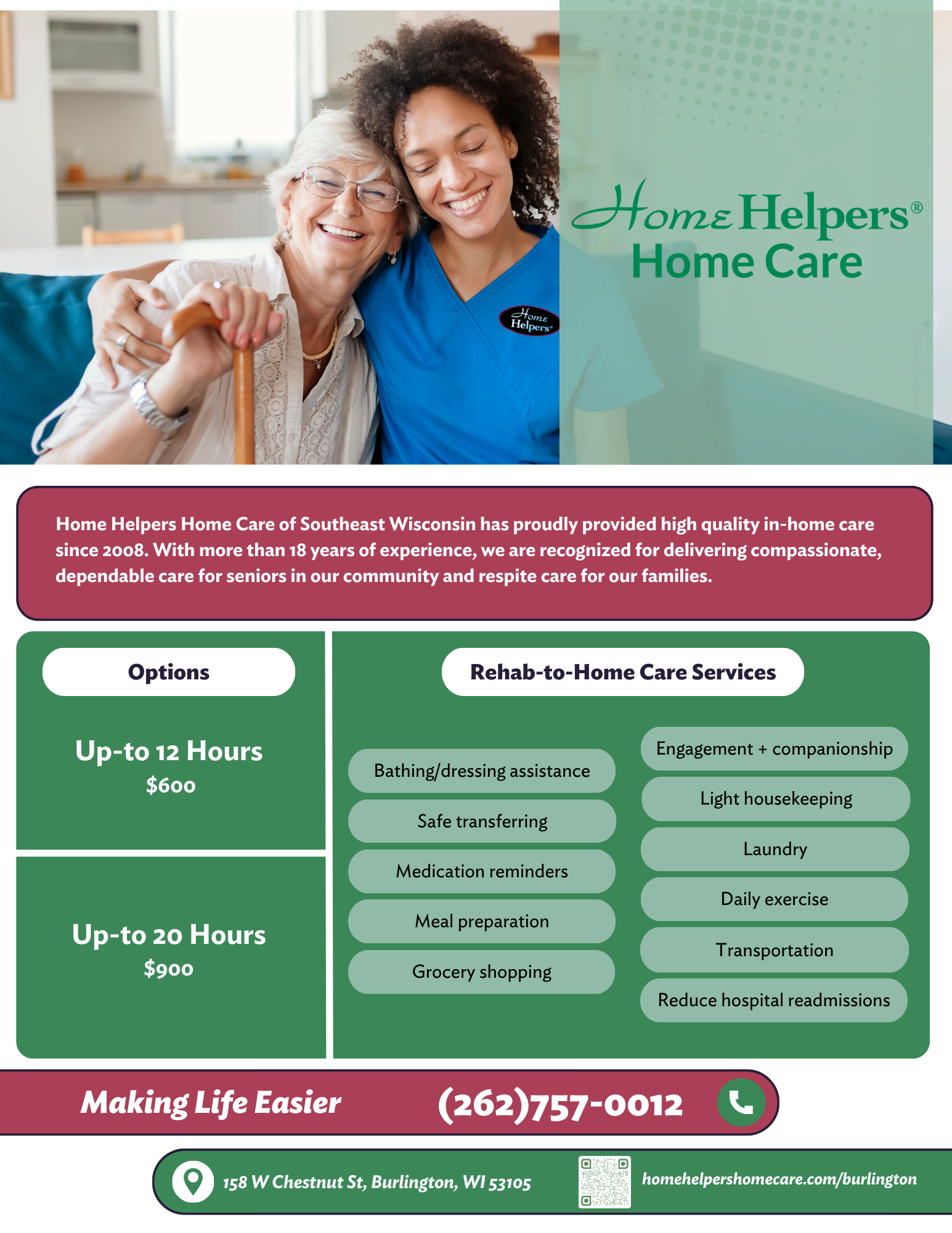
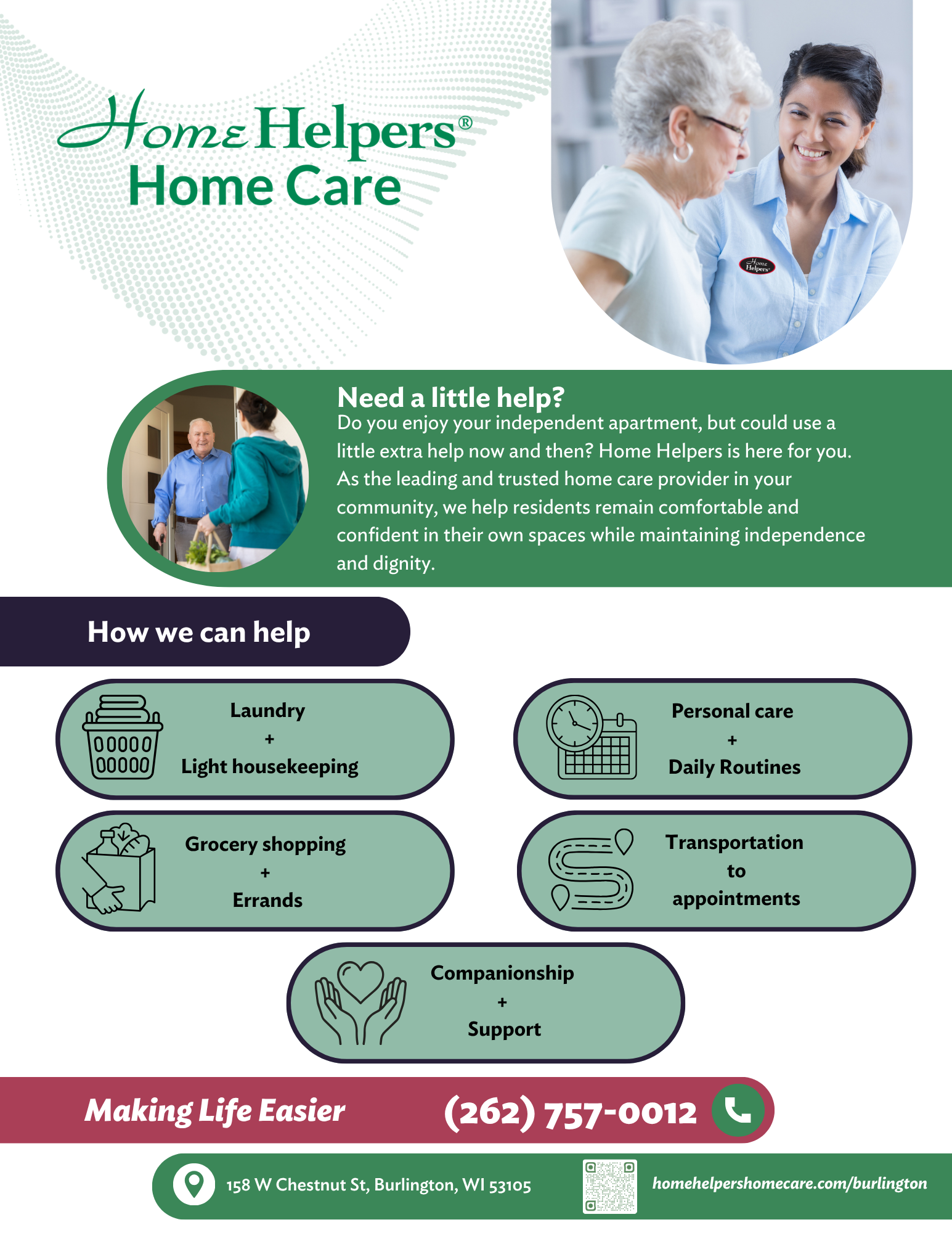
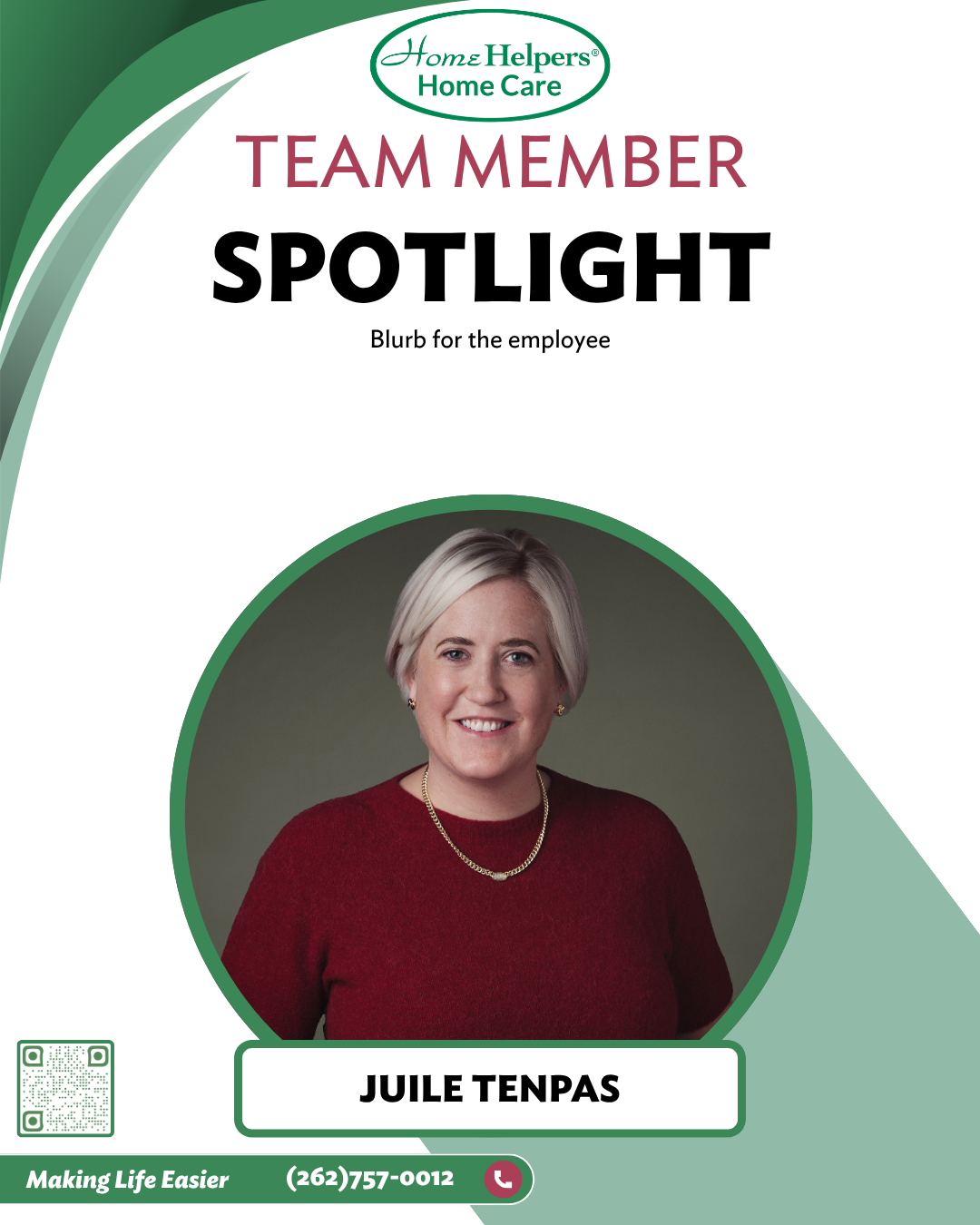
The Mequon + Burlington, WI branch of Home Helpers needed professionally designed marketing materials but lacked direct support from their corporate office. I stepped in to define a clear visual direction while maintaining brand consistency.
I developed multiple flyer, social media content, and rack card concepts using Canva, using curated adaptable templates, and established focused branding goals tailored to their local audience. Concepts were presented and refined collaboratively via Microsoft Teams, resulting in polished, ready-to-print materials aligned with both corporate standards and local needs.
They needed design consistency, technological support, and an overall updated look. I believe we achieved those goals.
Before

After
“Trinity played a key role in helping us bring a new program to life through thoughtfully designed marketing materials. She has a remarkable ability to take complex ideas and transform them into clear, visually compelling graphics. What initially felt like an overwhelming amount of information was skillfully refined by Trinity into one or two cohesive, impactful flyers that effectively communicate our message.”
-
![]()
Organizational Structure
-
![]()
About Us
-
![]()
Rehab-To-Home
-
![]()
Need A Little Help
-
![]()
Employee Spotlight
-
![]()
Rack Card (Front)
-
![]()
Rack Card (Back)




Micro-Learning Course
Using Rise 360, I designed an e-learning course for Thompson’s Grocery Market employees that emphasizes the importance of delivering a positive and consistent bagging experience for customers.
The course content is structured into clear, digestible segments and incorporates interactive elements, such as drag-and-drop activities, to support learner engagement and knowledge retention.
This project demonstrates both my instructional design expertise and my ability to leverage learning technologies to create effective, user-centered training solutions.
Job Aid
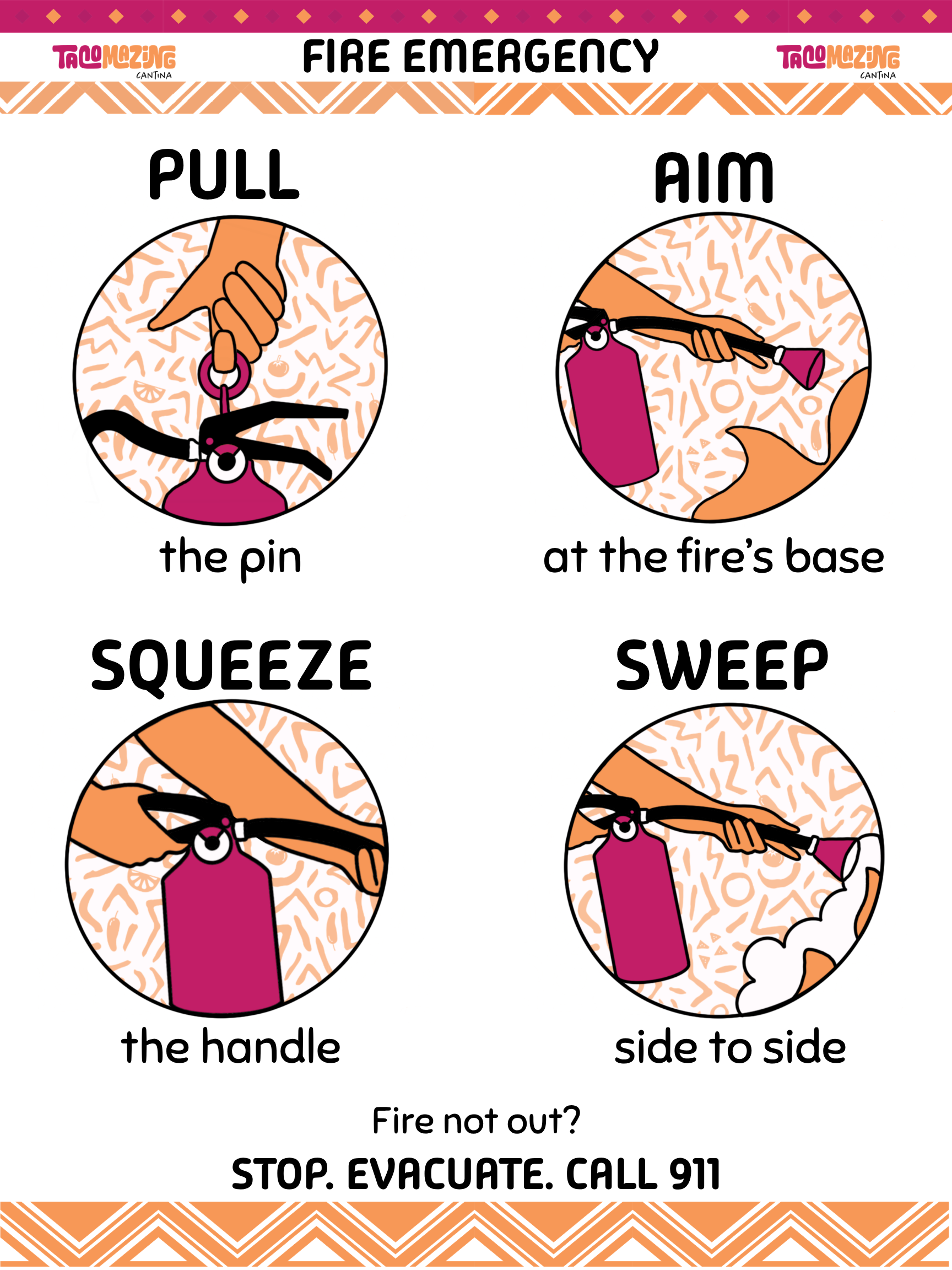
The goal of this job aid was to develop a concise, easy-to-follow fire extinguisher quick reference for TacoMazing Cantina Food Truck employees.
To ensure the visuals aligned with the instructional intent and design requirements, I created the illustrations myself, as suitable existing imagery was difficult to source.
Using Procreate on my iPad, I designed simplified P.A.S.S. fire extinguisher graphics and exported them as movable PNG files. These assets were then integrated into an 18 × 24–inch Canva layout, where I applied the brand’s approved logos, typography, color palette, and graphic elements. Emphasizing brand cohesiveness was a key consideration outlined in the instructions, and I intentionally incorporated these elements to ensure the final job aid was both visually consistent and instructionally effective.